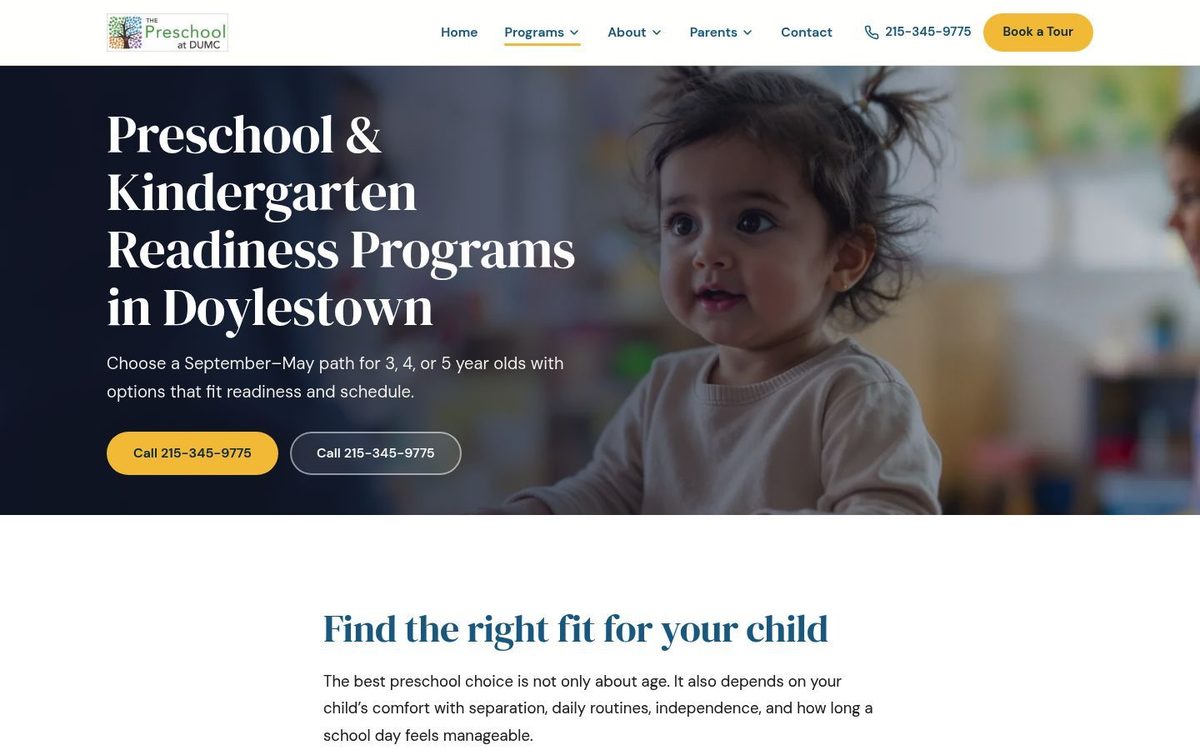
Never miss another
parent's call.
A website parents can use, an inbox you can keep up with, and help turning inquiries into tours. Add missed-call texting with Front Desk or AI phone answering with AI Front Office. Your website is included in every plan.
How is your website doing?
Enter your daycare’s website and get a free report: screenshots, your Google reviews vs. nearby daycares, map visibility, and the top issues costing you tours.
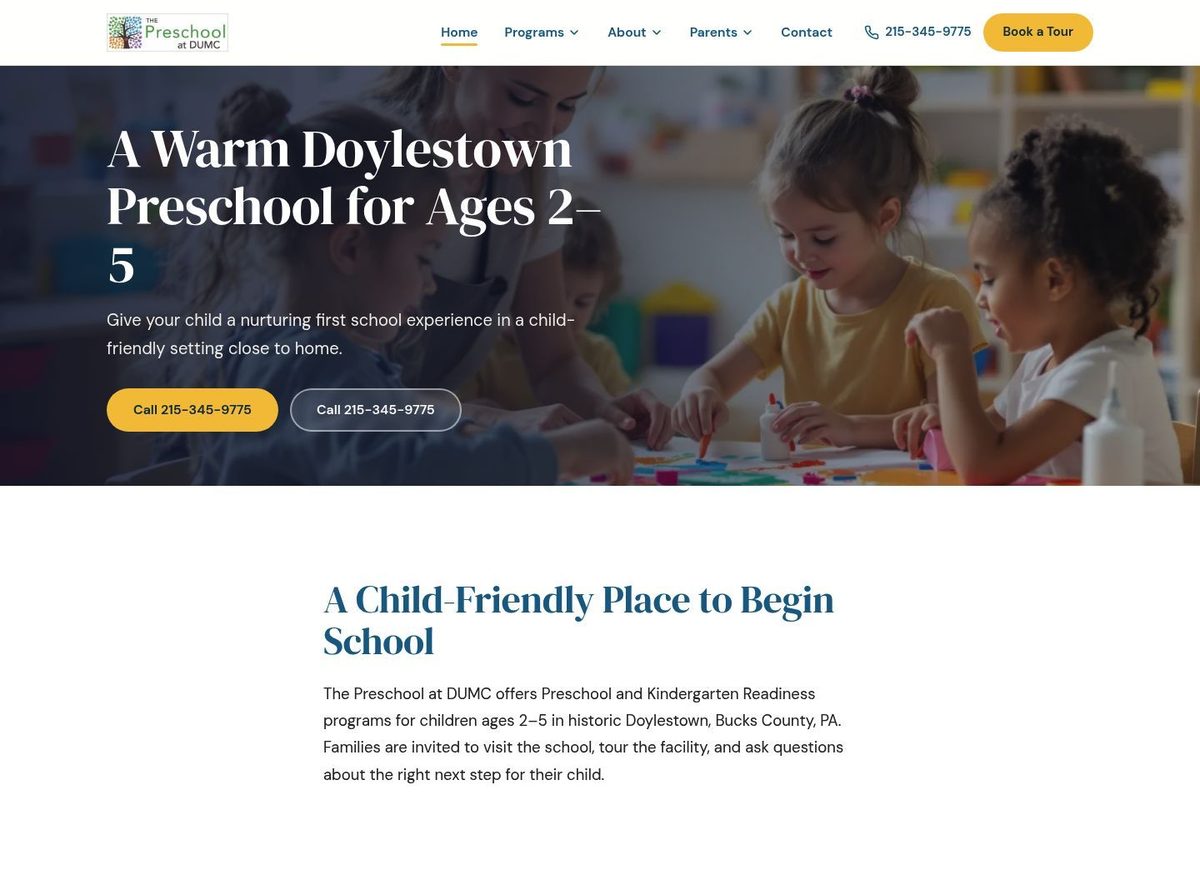
Give the next family a way to reach you
Choose the support your school needs.
Start with a maintained website. Add messaging and follow-up, then AI call answering when you need it.
- A complete website, built and hosted for you
- SSL, daily backups and custom domain connection
- Edit by chat — preview, then publish
- Tour booking page with calendar invitations by email
- Website inquiry inbox and exportable data
- Everything in Presence
- Business number, missed-call text-back and two-way texts
- Website AI assistant that answers questions and books tours
- Family records, inquiry follow-up and text tour reminders
- Connected Google review workflows and a Monday report
- Everything in Front Desk
- After-hours and overflow AI phone answering
- Tour booking by phone
- Call recordings with consent, transcripts and recaps
- AI-drafted email replies — you approve every send
- Human escalation and priority support
Texting and website assistance start with Front Desk. AI phone answering is included in AI Front Office. Texting requires carrier approval, typically one to two weeks; Google review features require connection and setup. See what’s in each plan →
How it works
Less imagining.
Here is what you will use.
Real product screens, shown with fictional demo data. Select a screenshot for a closer look.
Pick up where the parent left off.
See the text-back, the parent’s question and your reply in the same conversation. Your team can step in with the context already in front of them.
Front Desk & AI Front OfficeSend the request.
Approve the change.
You can edit by chat in your portal. On supported websites, you can also enable an email address for text updates and send requests from the owner email registered to your account.
Email requests can update existing page copy and search titles or descriptions. For new pages, design changes, attachments or shared contact details, use the website editor or contact us.
See how requests are reviewed →“Shorten the preschool introduction to two sentences. Keep the ages and schedule unchanged.”
- Send from your registered email.Use the edit address shown in your owner portal.
- Review the proposed text.Clarify the request if needed, then sign in to approve it into your draft.
- Preview, then publish.Check the full page in the website editor. An email reply alone cannot publish a change.
Requests take time to process. Check their status in the portal; when email updates are enabled, progress and clarifications stay in the same conversation.
No website? No content? Just answer a few questions.
Chat with our assistant about your programs, hours, and what makes your school special — and we'll turn your answers into a complete website preview, free.
Ready to stop losing calls?
See your new website first — free, built from a short conversation. No charge to request your preview.